
1.2. Overview of Mx.Load
Mx.Load provides automatic generation of scenarios and automatic execution of load test tools.
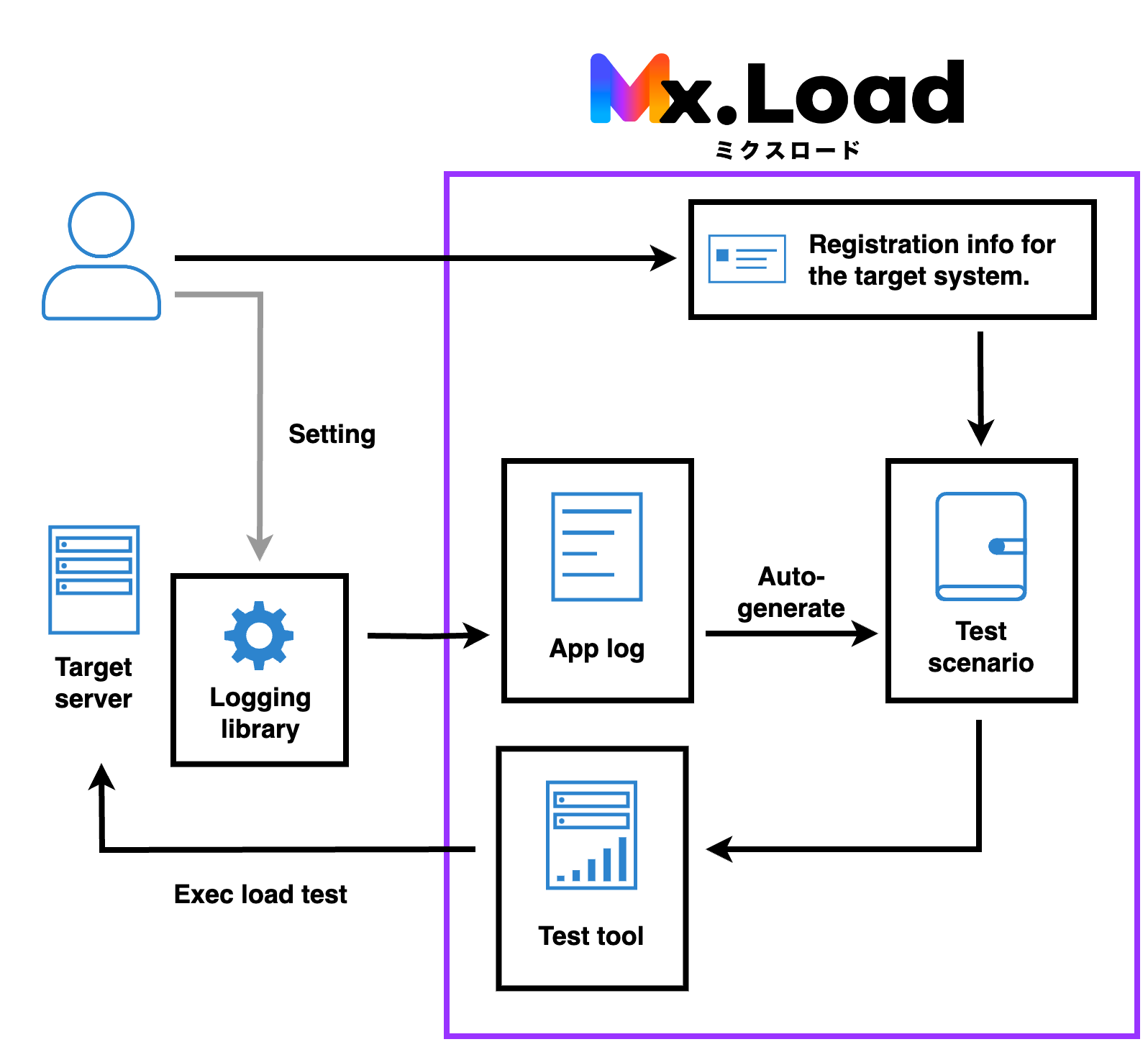
Load testing with Mx.Load can be performed in the following flow.

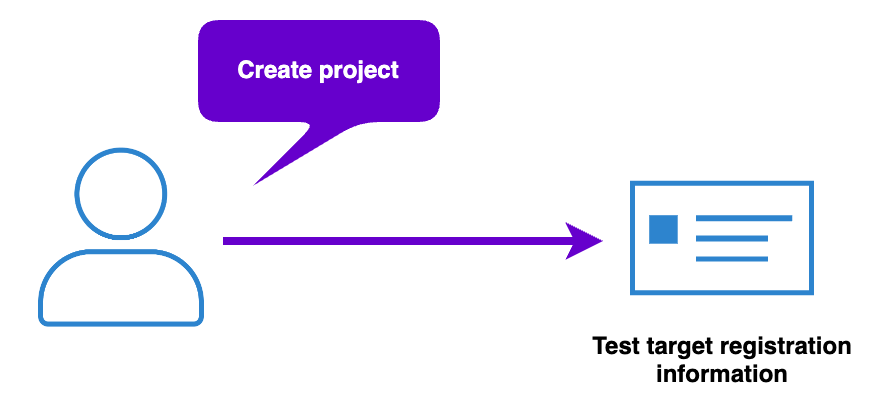
Preparations are made to incorporate the Logger.
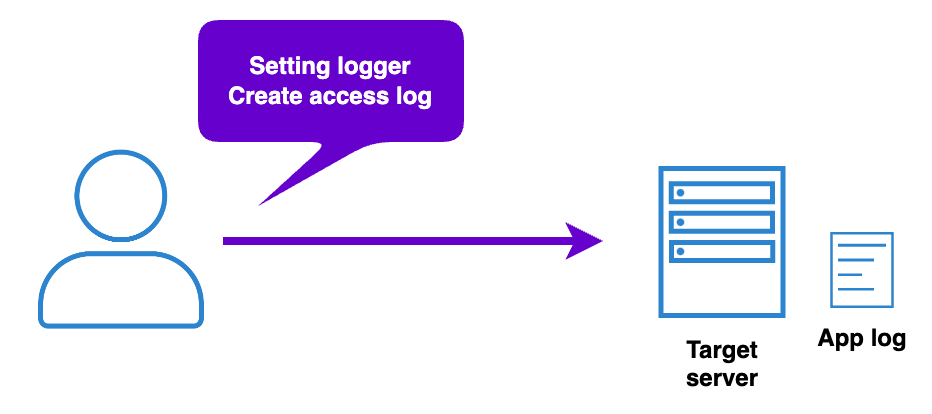
Perform the necessary settings on the server to be load tested and send the application log to Mx.Load
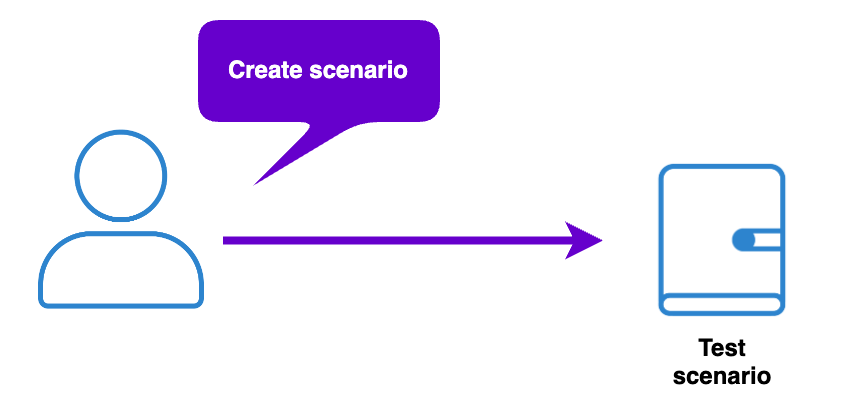
Extract application logs and create load test scenarios.
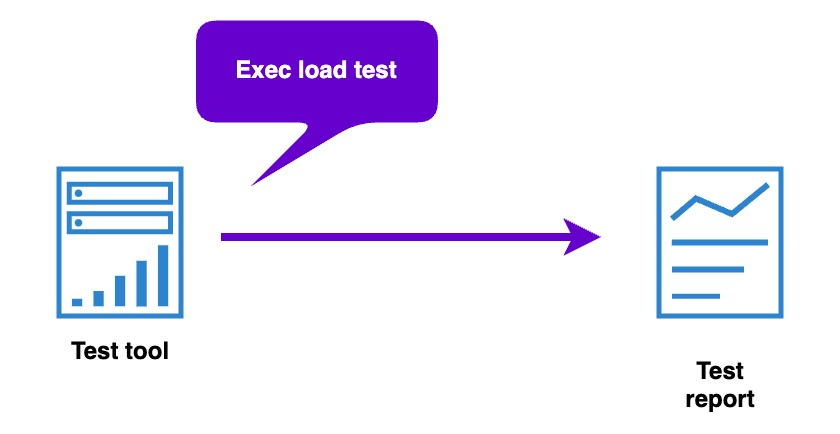
Set the scenario and parameters, and perform the load test. After the load test is completed, you can download the report and view the results.
For detailed instructions, please refer to “2.Installation”.