3.3.1 Scenario
The scenario period data created in 3.2. Create Scenario Period Data contains the request information sent during the load test.
Each request is sent to the target host in order during the test run, but you can add/edit/delete request contents or add various customization settings.
You can configure each operation for requests in the scenario editing screen.
Scenarios are created from the scenario period information on the project details screen.
Create a scenario
The following diagram represents a scenario for a TODO application, from user registration to TODO registration and access to the TODO detail page.
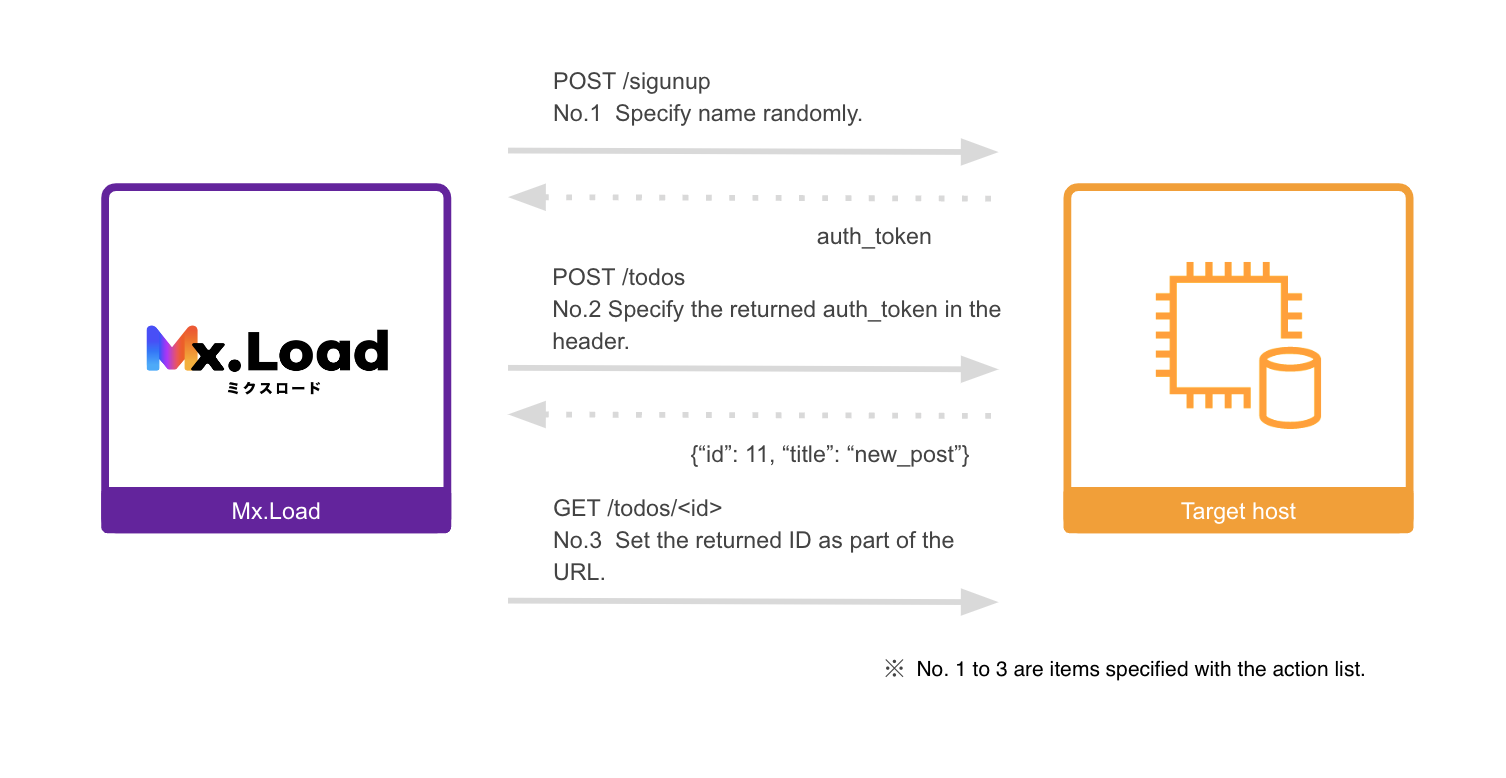
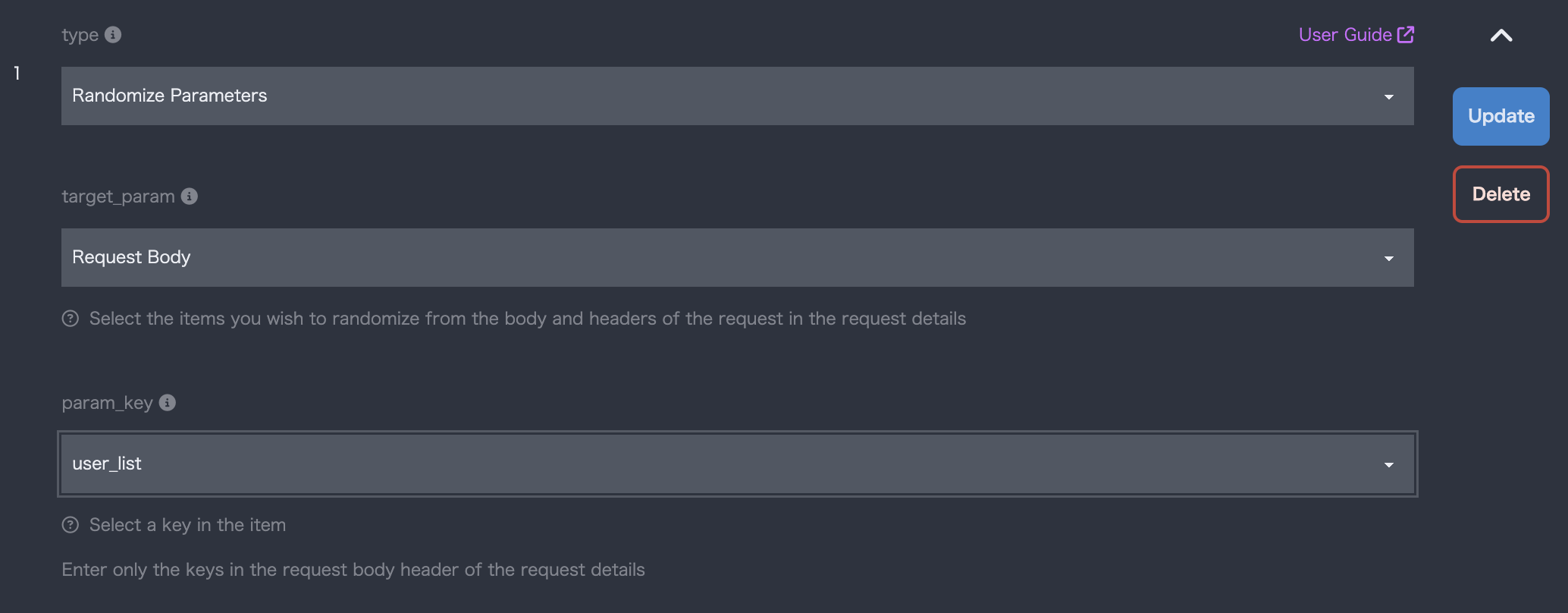
- Register a user with a random username (name) ( POST /signup )
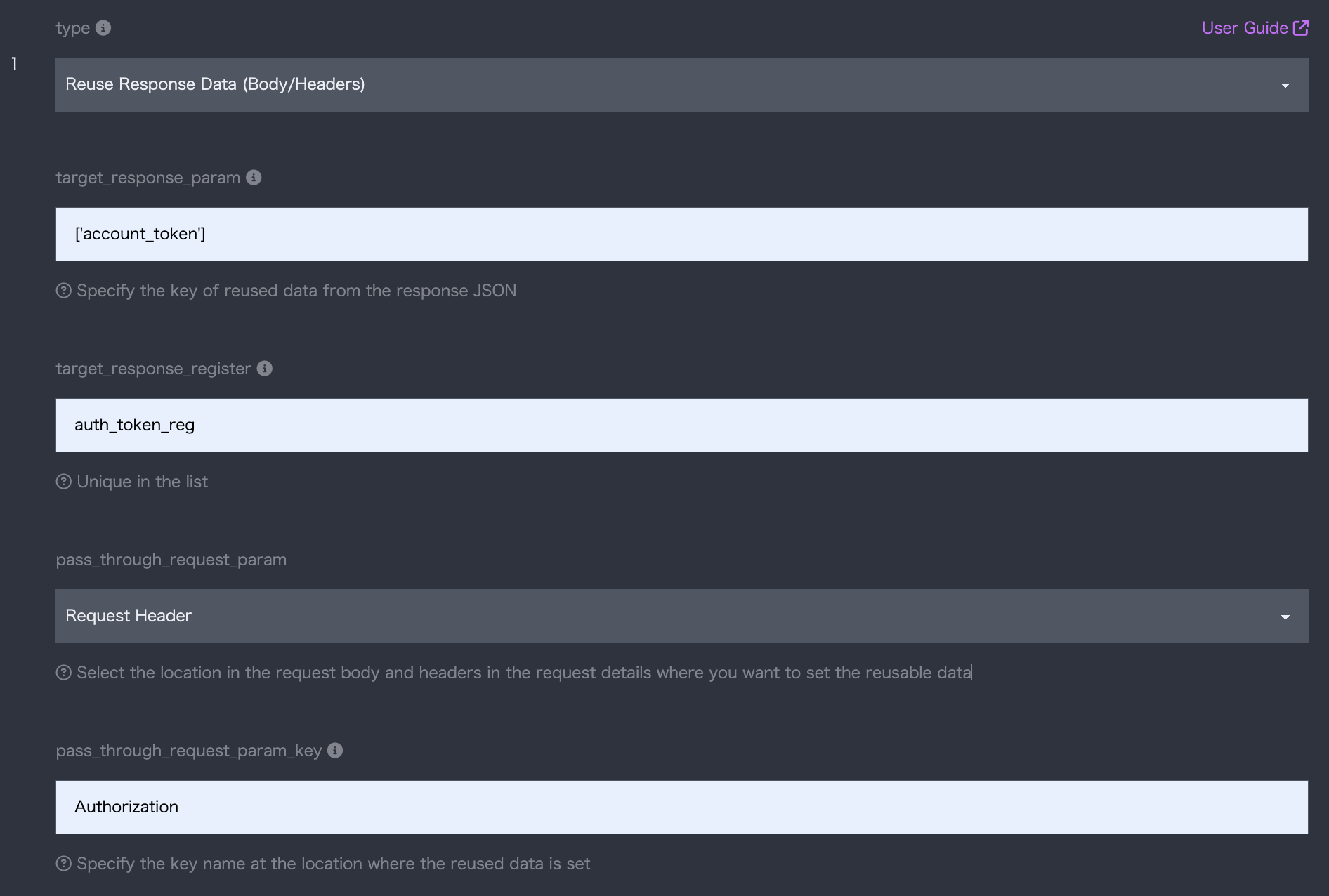
- Create data with the authentication code (auth_token) after login ( POST /todo )
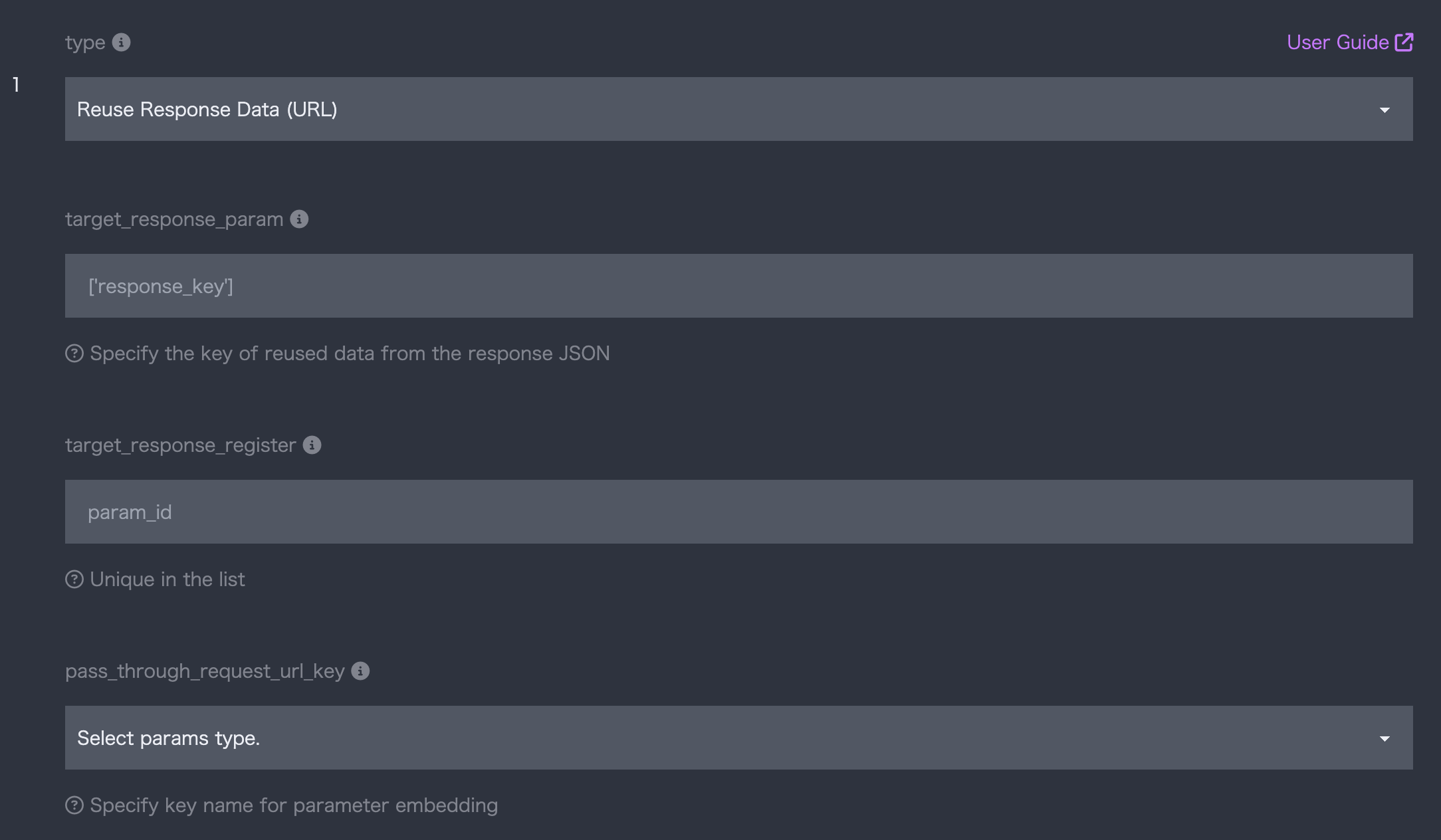
- Display data with the specified ID (id) in the URL ( GET /todo/[id] )
As mentioned later, the above flow is configured in the Mx.Load scenario editing screen as follows.