
3.4. Uploading Scenarios
In Mx.Load, you can upload existing scenario files to execute load tests.
From the Project Details page, click on the Load Test tab, then click on the Upload and Execute Scenario File tab.
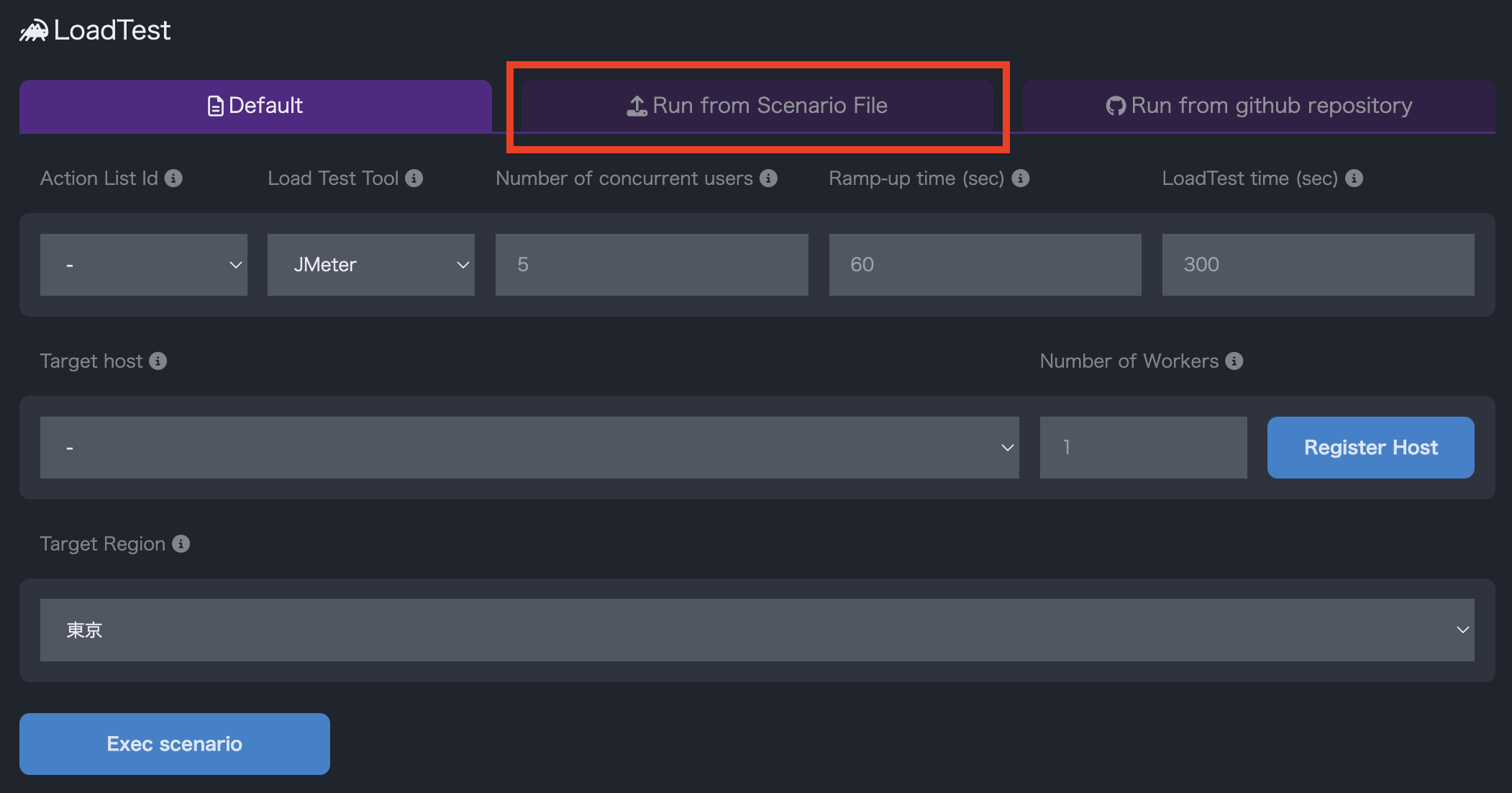
Click on the area highlighted in red to select the scenario file you want to upload. You can also select the file by dragging and dropping it.

After selecting the scenario, its contents will be displayed. You can edit the contents if necessary.
After selecting the scenario, configure the parameters for the load test and click Execute Scenario to start the load test.