6.2. Webhook New Registration Screen
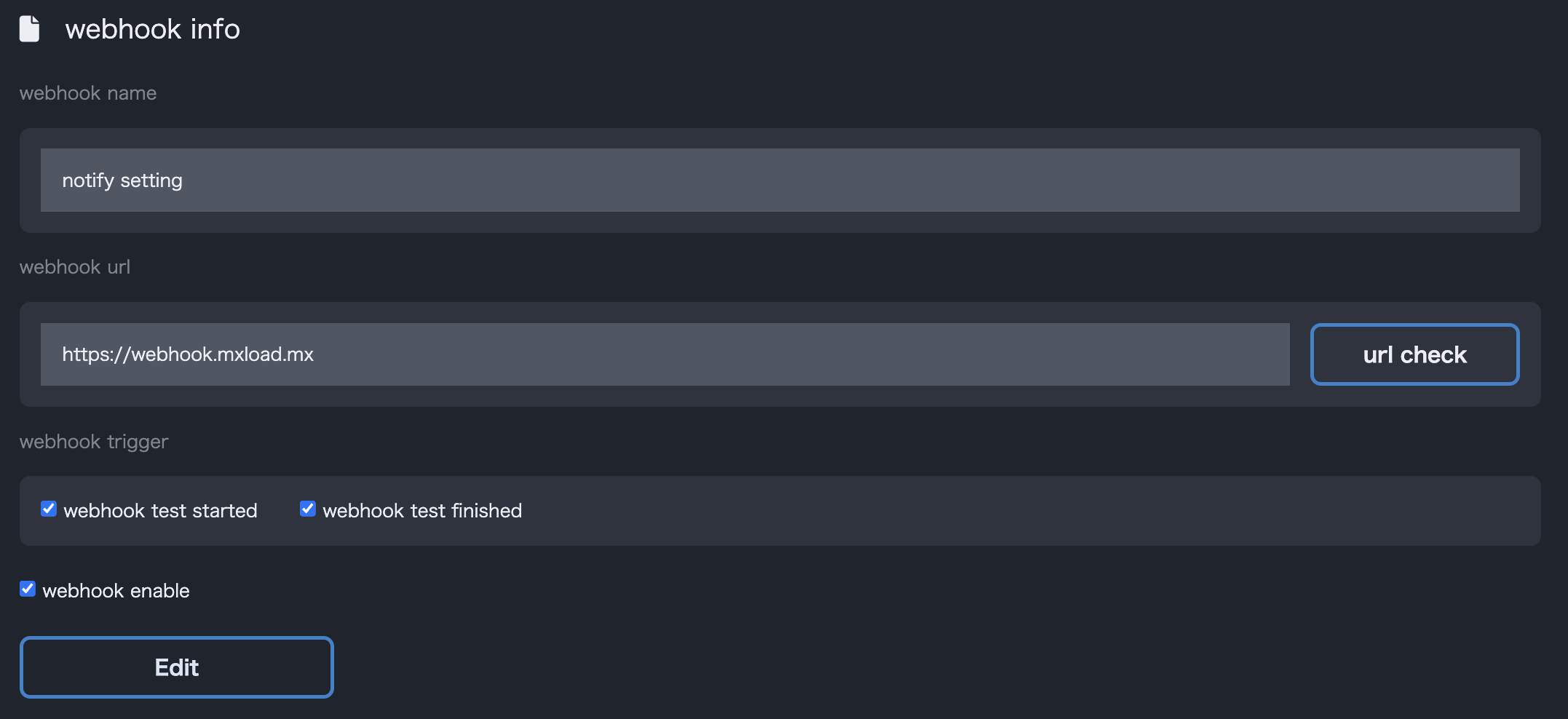
In the registration screen, you can set Webhook Name, Webhook URL, Notification Events, and Enabled/Disabled.
Set the URL to which notifications will be sent in the Webhook URL field. Only URLs starting with http:// or https:// can be set. Clicking URL Check allows you to validate the URL before registration.
Select the notification events in the Notification Events field. When the specified events occur during the test, a POST request will be sent to the specified URL.
Checking Enable Webhook will activate the webhook.