3.2. Creating Scenario Periods
A scenario is a set list of steps and content of requests sent to the application under load test. Creating scenarios enables the execution of load tests.
Scenarios are automatically generated based on the log data sent within the specified period. Therefore, it is necessary to send log data in advance before creating scenarios.
Refer to "2.3. Installing Logger" for information on how to send log data.
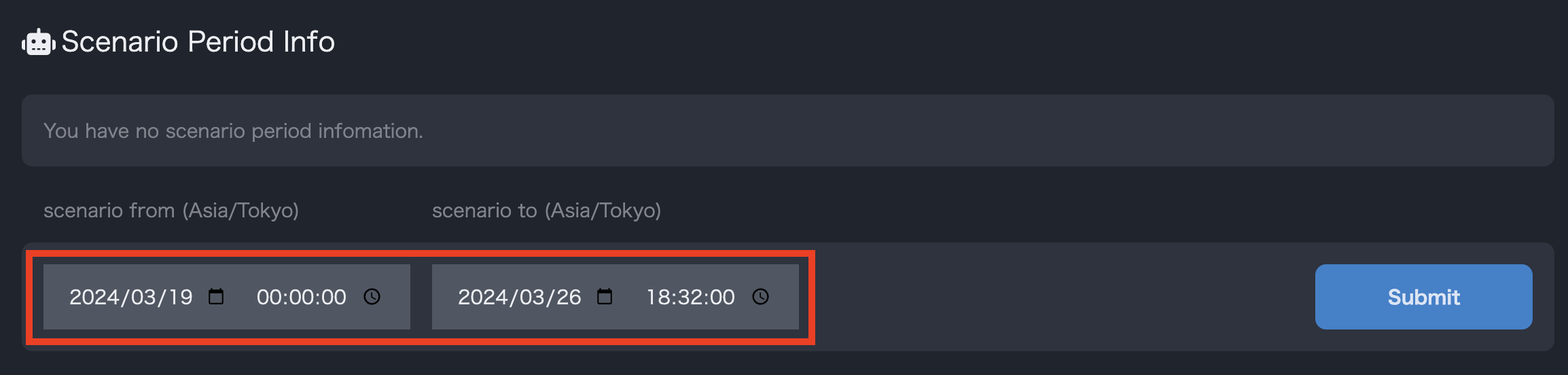
- From the scenario period information section on the project details page, create a test scenario based on the log data sent during the specified period.
- Select the target period for the log data that will be the basis for the scenario, and click
New Registrationto create the scenario.