
7-1. Sandbox Environment
The Sandbox Environment is an environment provided for trying out Mx.Load’s services. It runs on Amazon Linux 2 and provides 8GB of storage.
The Sandbox Environment expires after 1 day and will be automatically deleted.
| OS | Amazon Linux 2 |
| Storage | 8GB |
| Available Ports | 22 80 443 |
Create an SSH key using the ssh-keygen command.
ssh-keygen -f ~/.ssh/sandbox_key
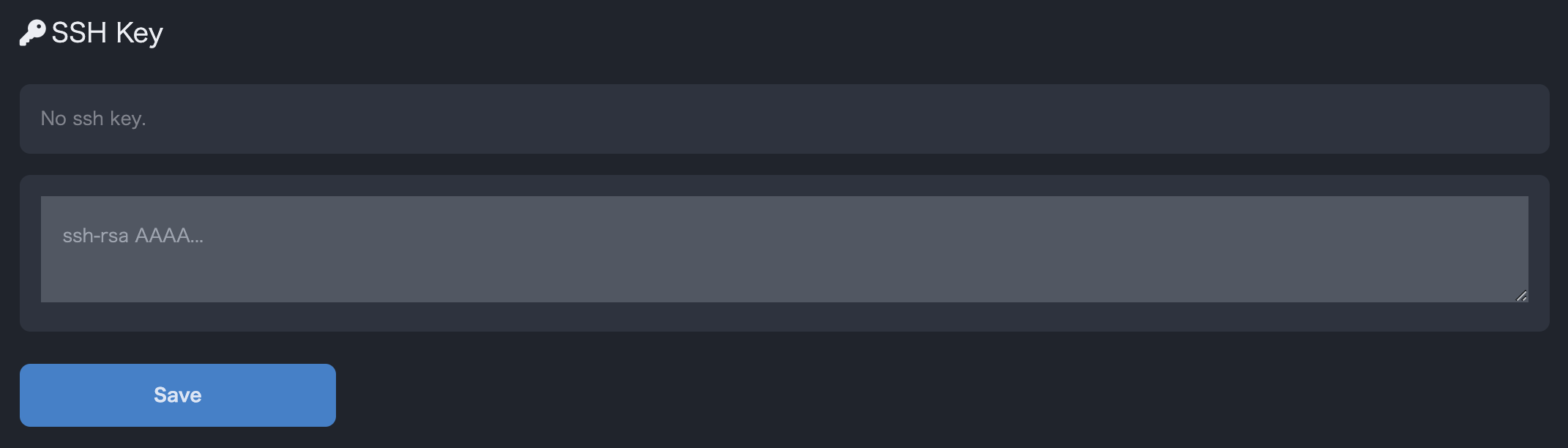
On the Account page accessed by selecting Sandbox from the side menu, enter the contents of the SSH public key you want to register in the SSH Key form. (Example: cat ~/.ssh/sandbox_key.pub)
Click Save to register the SSH key.
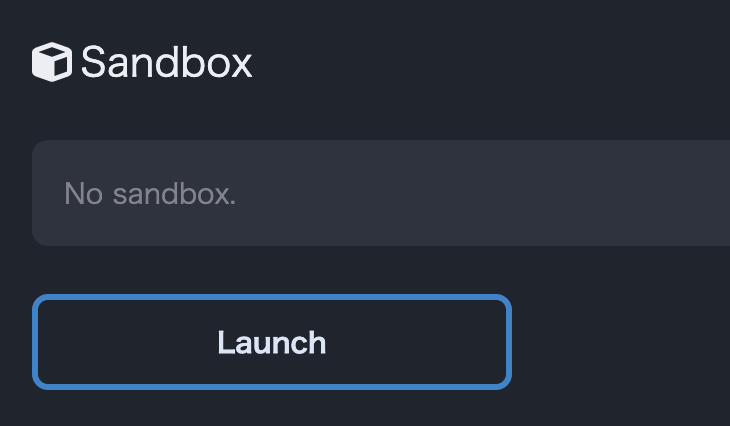
On the Account page accessed by selecting Sandbox from the side menu, click Start under Sandbox Environment to create the Sandbox Environment.
Once the Sandbox Environment is created, an ssh command example will be displayed. Replace ~/.ssh/sandbox_key in the ssh command example with the path to the private key you created in Creating an SSH Key and execute the ssh command to use the Sandbox Environment.
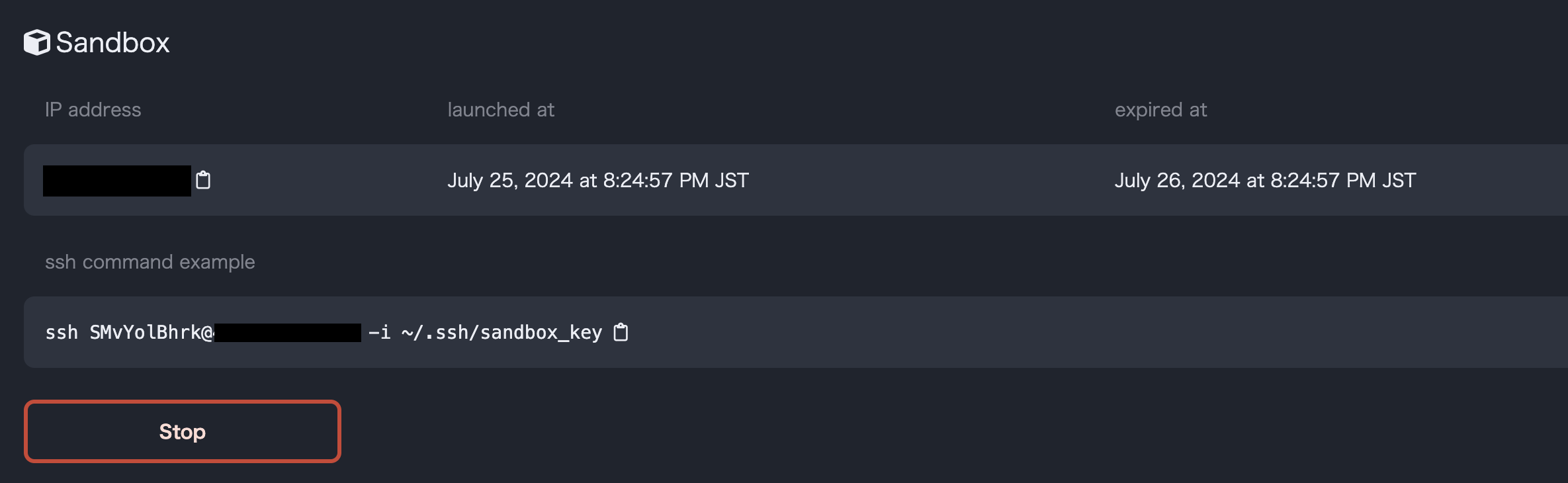
Example of a Sandbox Environment
When the Sandbox Environment is started, it is automatically registered as a validated target host.

Sandbox Environment registered in the list of target hosts
When trying out this service in the Sandbox Environment, please change the port numbers to be used in the Sandbox Environment from the list of target hosts. You can change the port number by pressing the Details button in the list of target hosts and updating the port number on the next screen.
