
2.5. Registering Target Hosts
In Mx.Load, in order to prevent access to unintended hosts, it is necessary to register the hosts to be load tested in advance as target hosts.
Registration of target hosts requires verification involving user server operations, and passing the verification by Mx.Load allows you to perform load testing.
The specific process for registering target hosts is as follows.
- Registering the URL of the target host for load testing.
- Placing a verification token on the target host.
- Verification by Mx.Load
If the presence of the verification token is confirmed in step 3, the registration of the target host is complete.
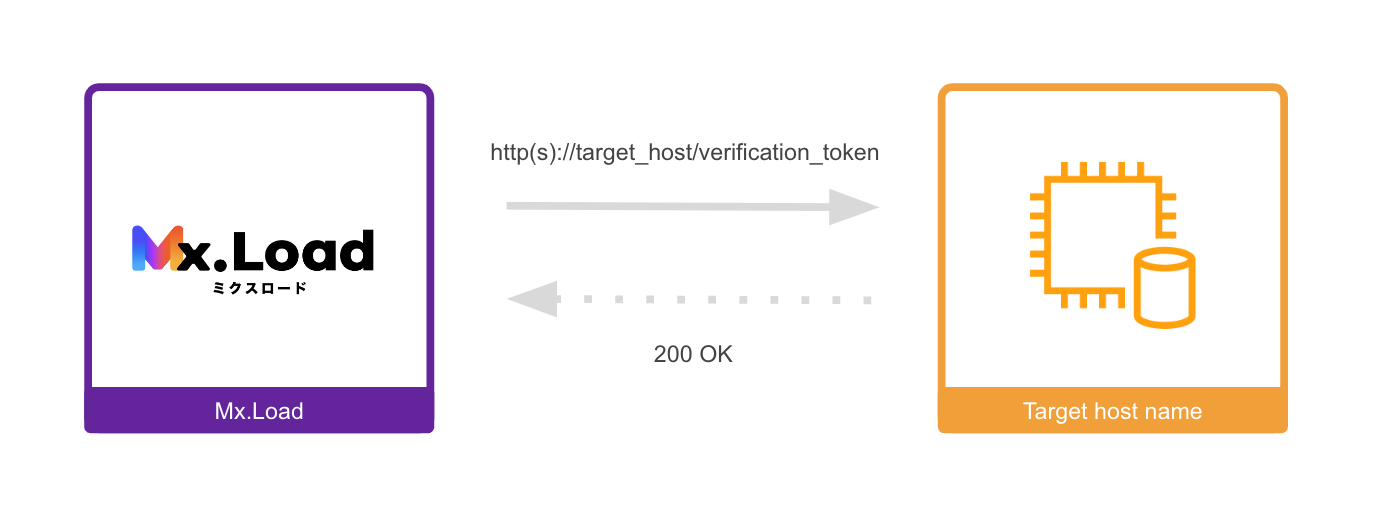
Flow of target host registration
First, go to the new target host registration screen. You can move to the new target host registration screen from the home or project detail screens.
- From the home, click the
New Registrationbutton to move.
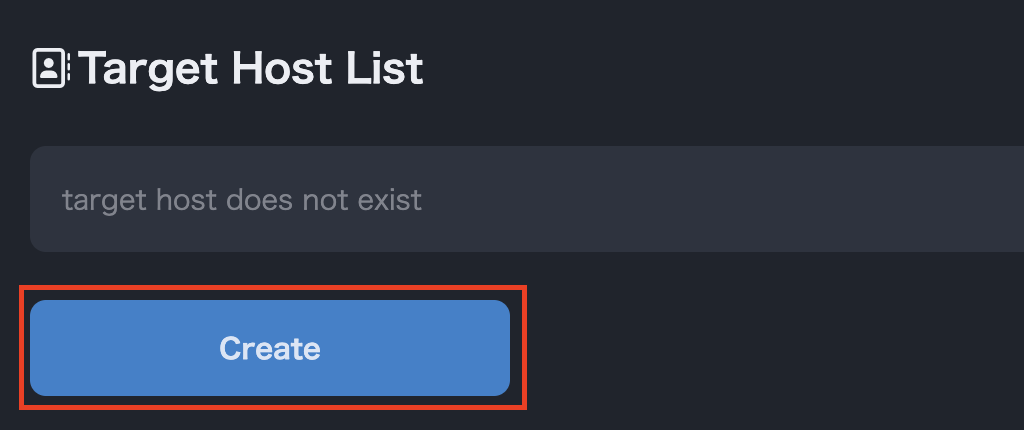
Transition from the home
- From the project detail screen, click the
Host Registrationbutton to move.
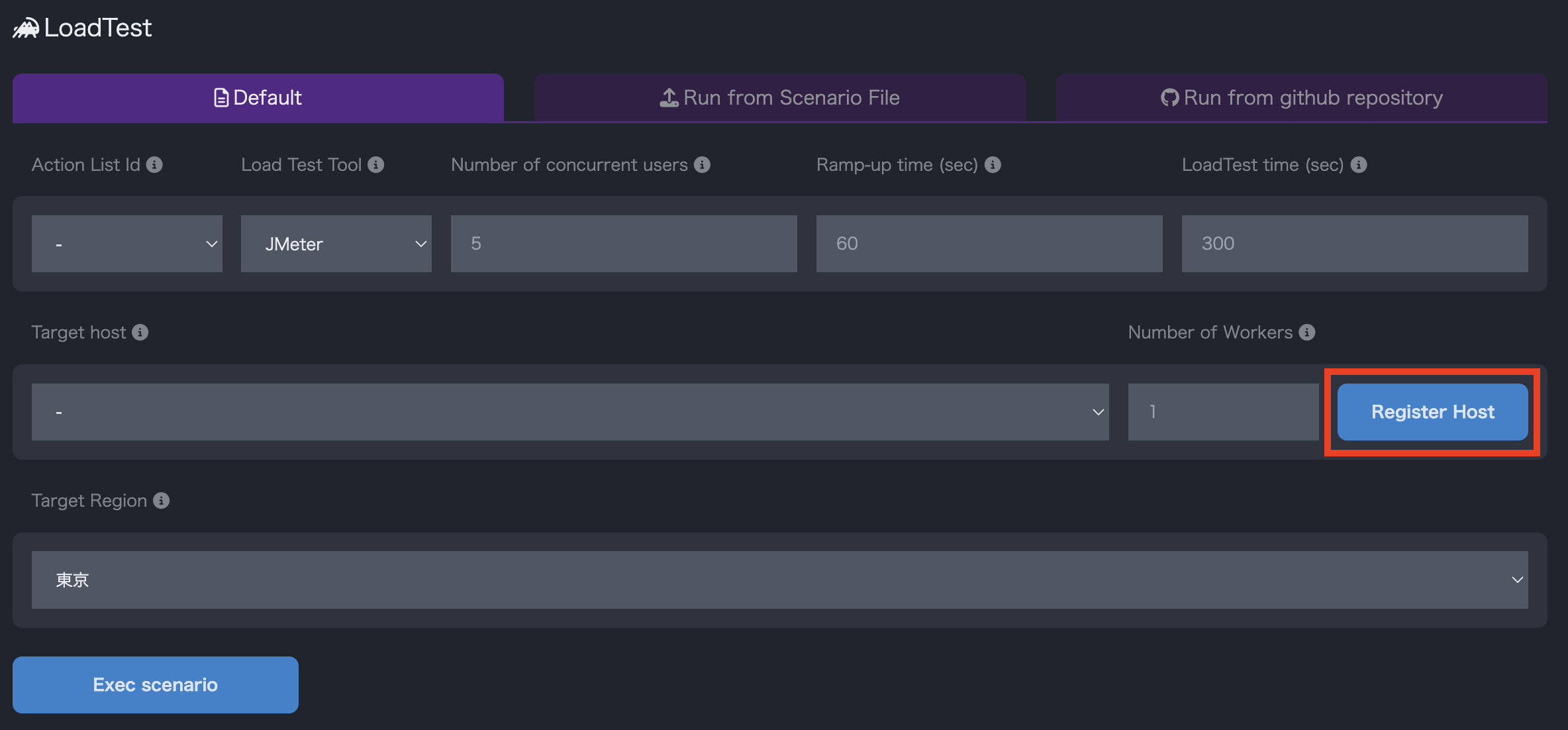
Transition from project details
Enter the host URL you want to register on the target host verification screen and register the host.
Enter the domain name from the scheme such as https.
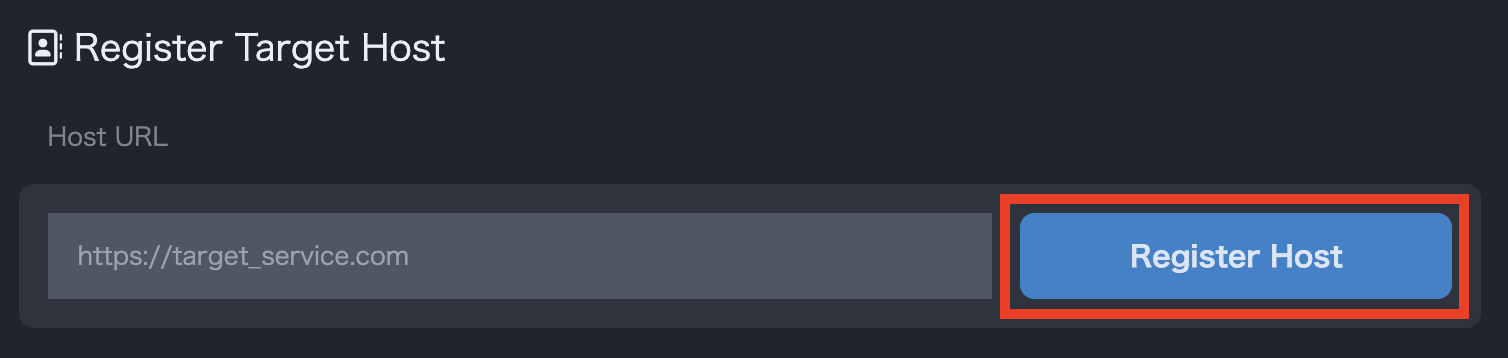
Upon successful registration, a target host with a verification status of Unverified will be added to the list of target hosts on the home screen.
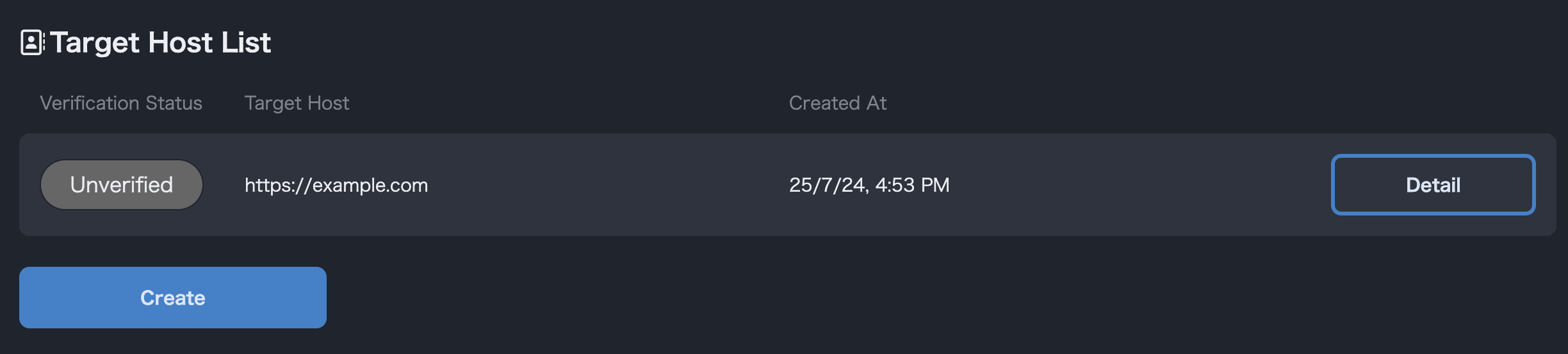
Home
After registering the target host, you need to perform verification using the token generated for that host.
The verification token looks like this (the actual value will be different).
mxloadmx-JwjGW3QuFHweayIzrxiz3
You can check or download the actual verification token from the details page of the target host.
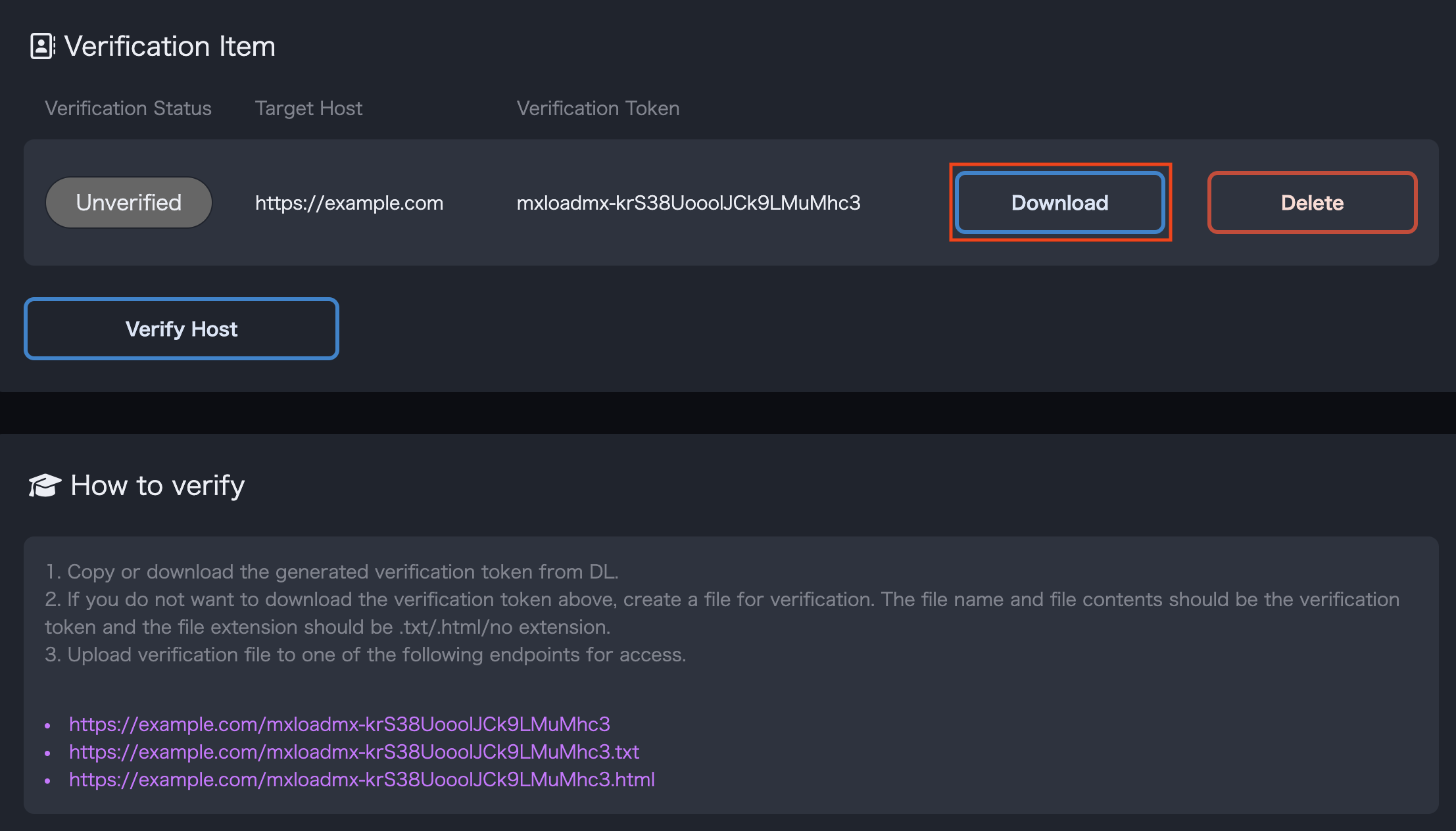
The downloaded file will have a file name such as mxloadmx-JwjGW3QuFHweayIzrxiz3.txt, with the verification token as the file name and the extension .txt, and the file will contain only the verification token.
Next, upload this verification token to the server of the target host.
First, when uploading the file, use the verification token obtained in the previous section as the file name, and the extension can be .txt, .html, or no extension. Regardless of the extension, the contents of the file should only be the verification token.
Next, upload the verification file to the root directory.
In other words, the destination for uploading the verification file should be one of the following:
http(s)://target-host/verification-token.txthttp(s)://target-host/verification-token.htmlhttp(s)://target-host/verification-token
Mx.Load will access this file in the next section to perform the verification, so please make sure it is accessible from the web.
After uploading the verification token, press the Host Verification button on the details page of the target host to perform the verification of the target host.
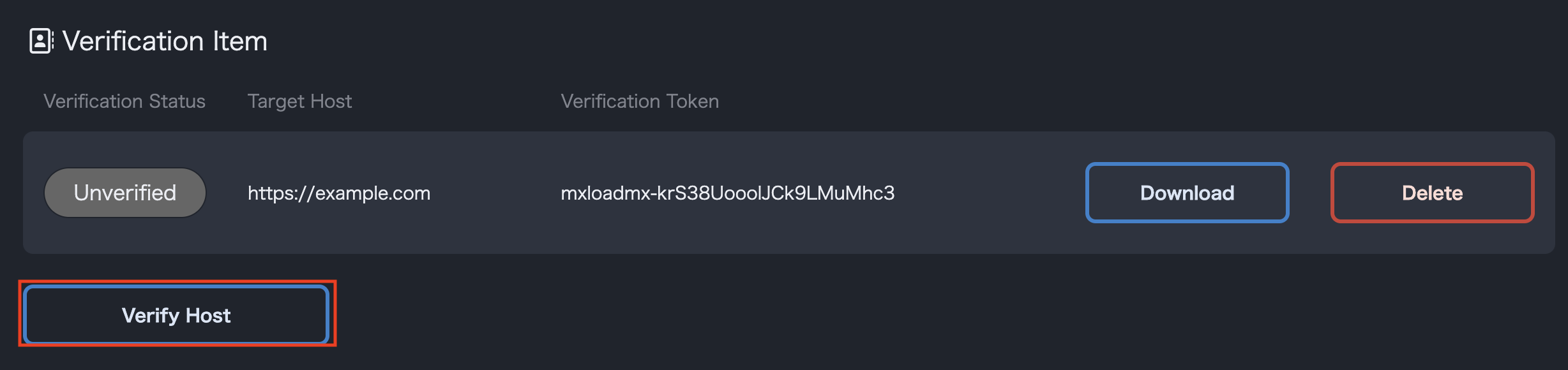
If the verification is successful, the verified domain will be added to the target host selection form in the project details and will be selectable.
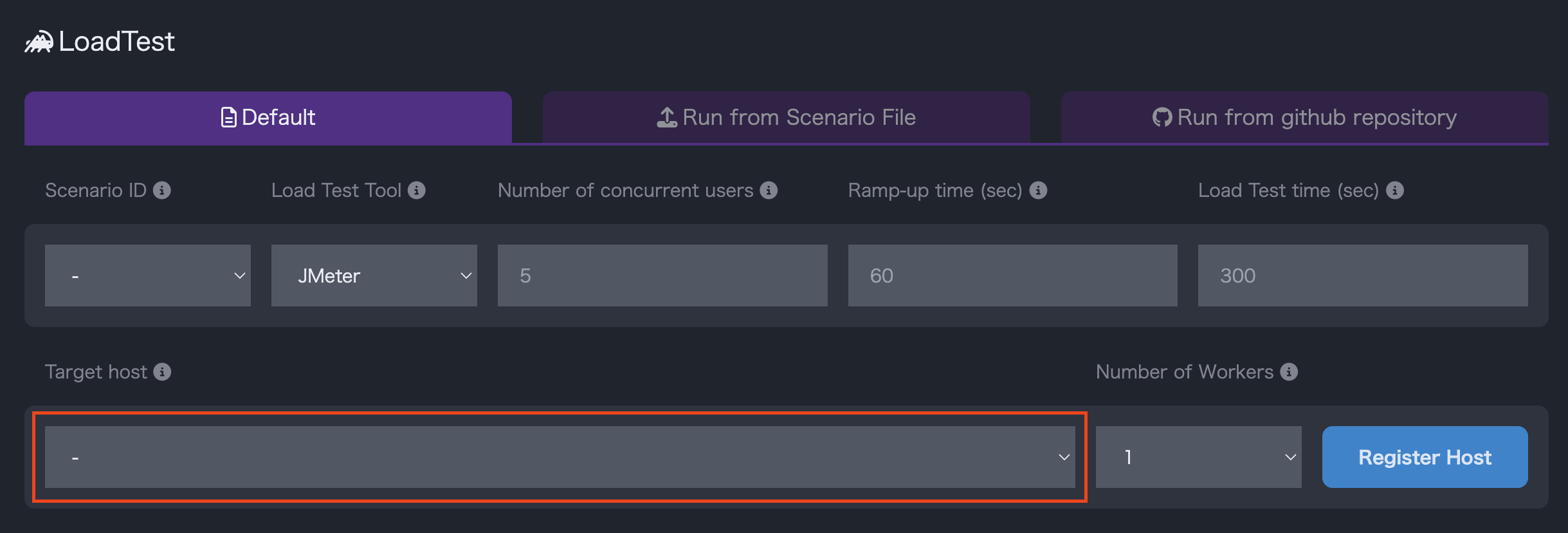
Project Details
After verification is complete, you can delete the verification file uploaded to the target host.