3.3.3 Editing Requests
The scenario contains multiple requests generated automatically from logs, which will be sent during the load test. In the scenario editing screen, you can edit, add, delete, and reorder requests.
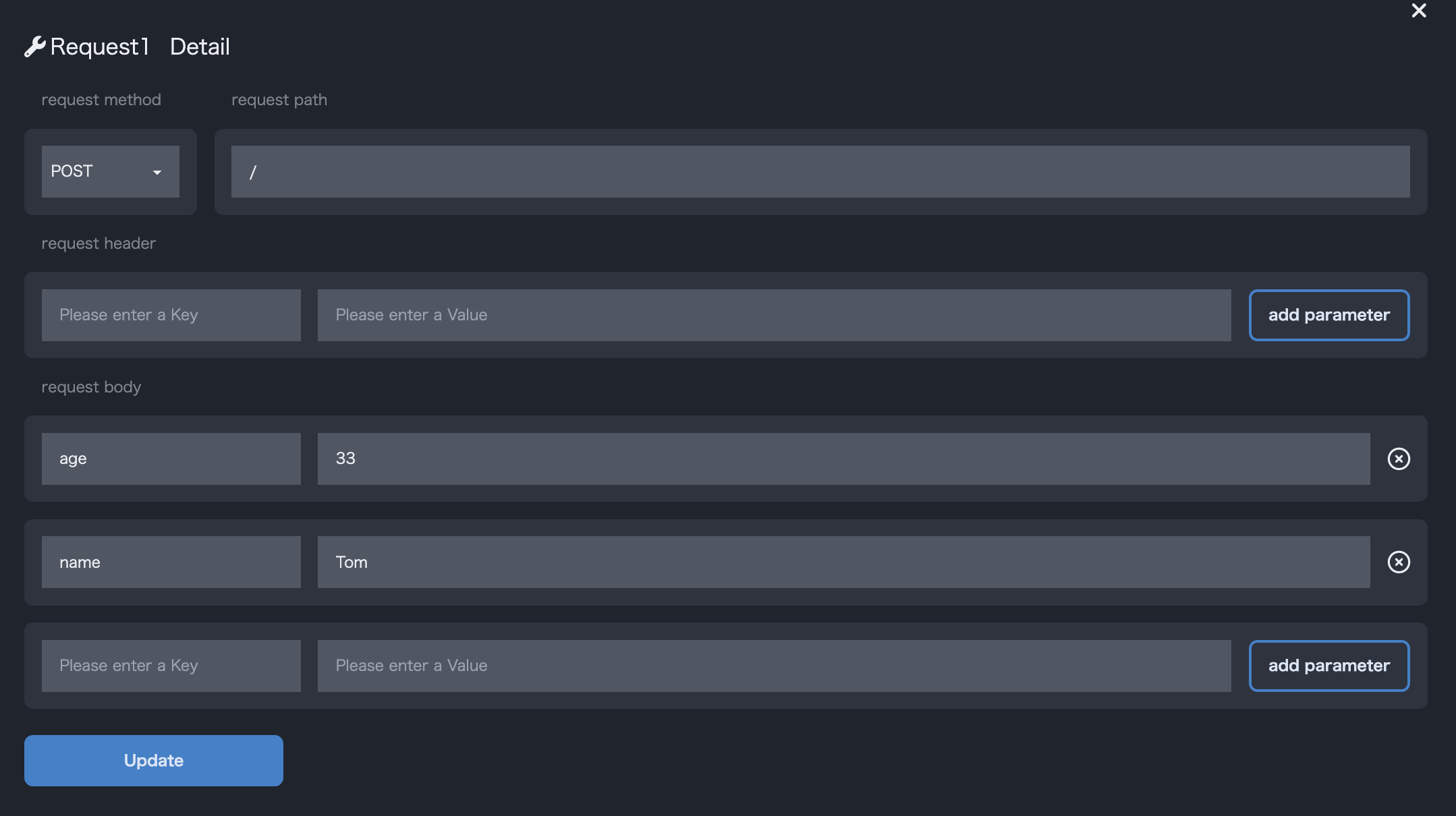
- You can edit the content of the selected request from the list.
- The editable items are as follows.
Request HeadersandRequest Bodyare set in Key+Value format, and you can add/delete them as needed.
| Item | Description | Sample |
|---|---|---|
| Method | Select from GET, POST, PUT, DELETE |
GET |
| Request Path | Path of the request | /users |
| Request Headers | Parameters to be set in the request’s header section. Set in Key+Value format. | { Key: Value } |
| Request Body | Parameters to be set in the request’s body section. Set in Key+Value format. | { Key: Value } |
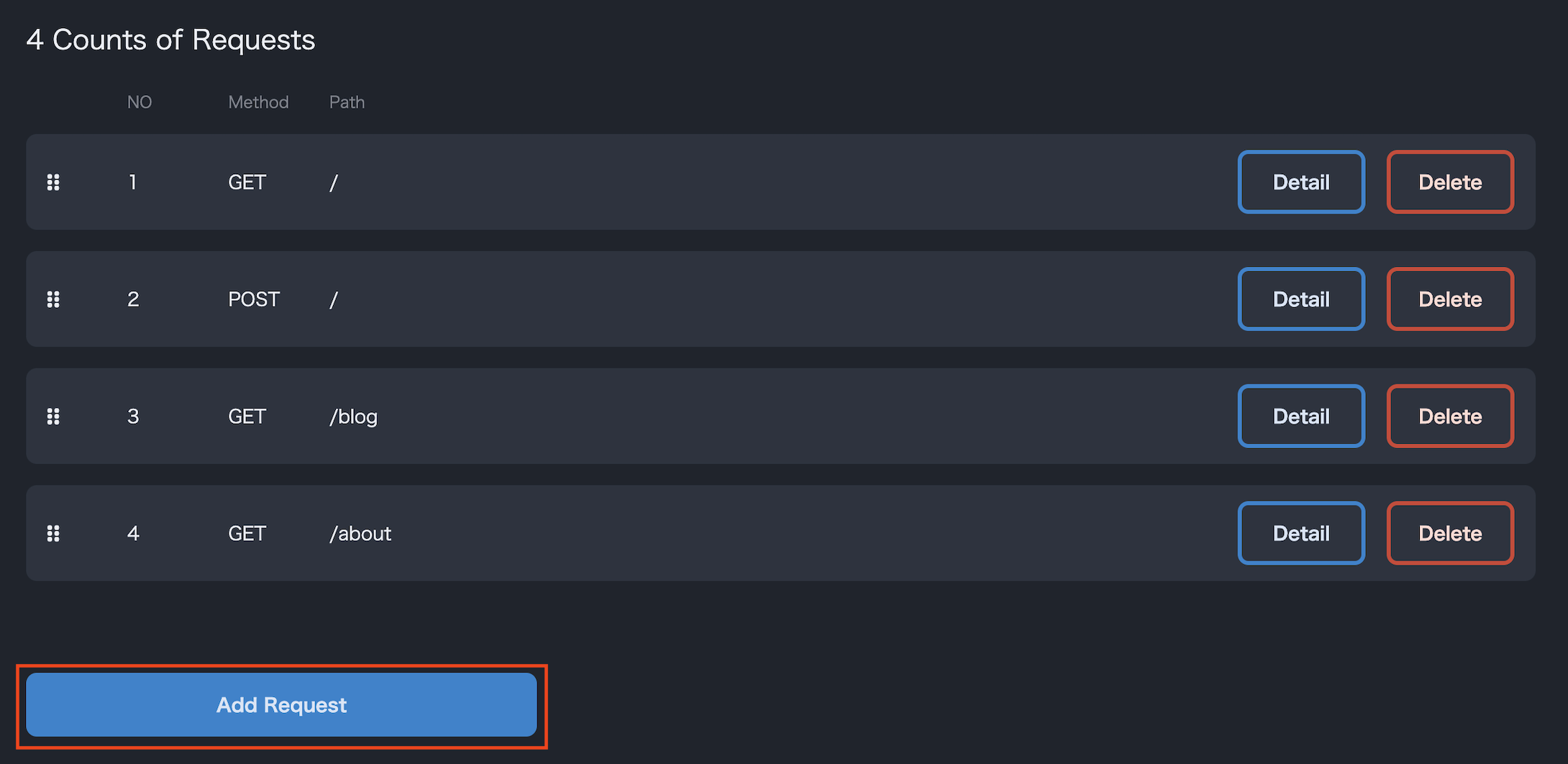
- You can add a new request by clicking the
Add Requestbutton. The added request will be appended to the end of the request list, so you may need to reorder them if necessary. - The settings are the same as when editing.
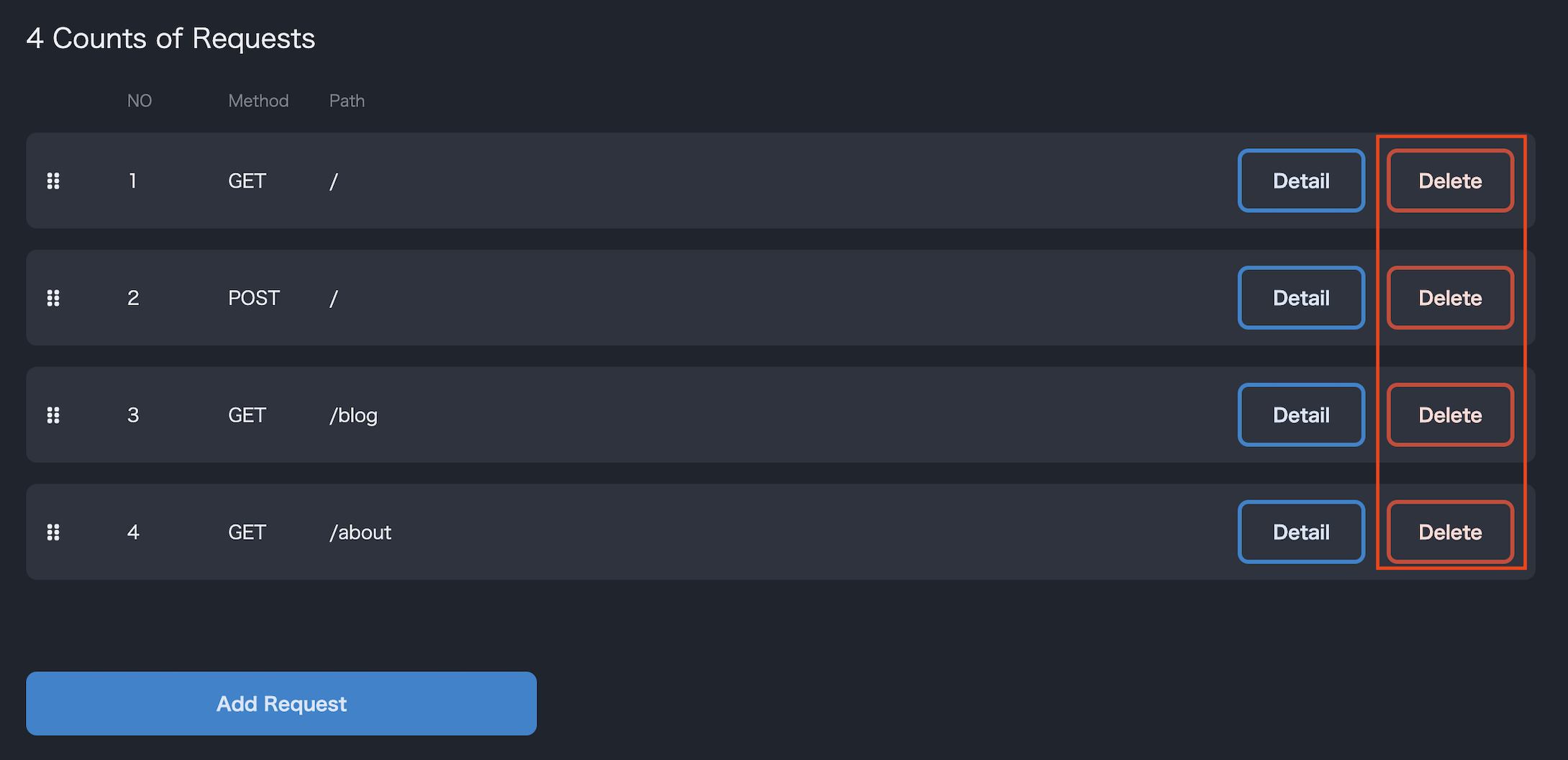
- You can delete unnecessary requests by using the delete button in the list.
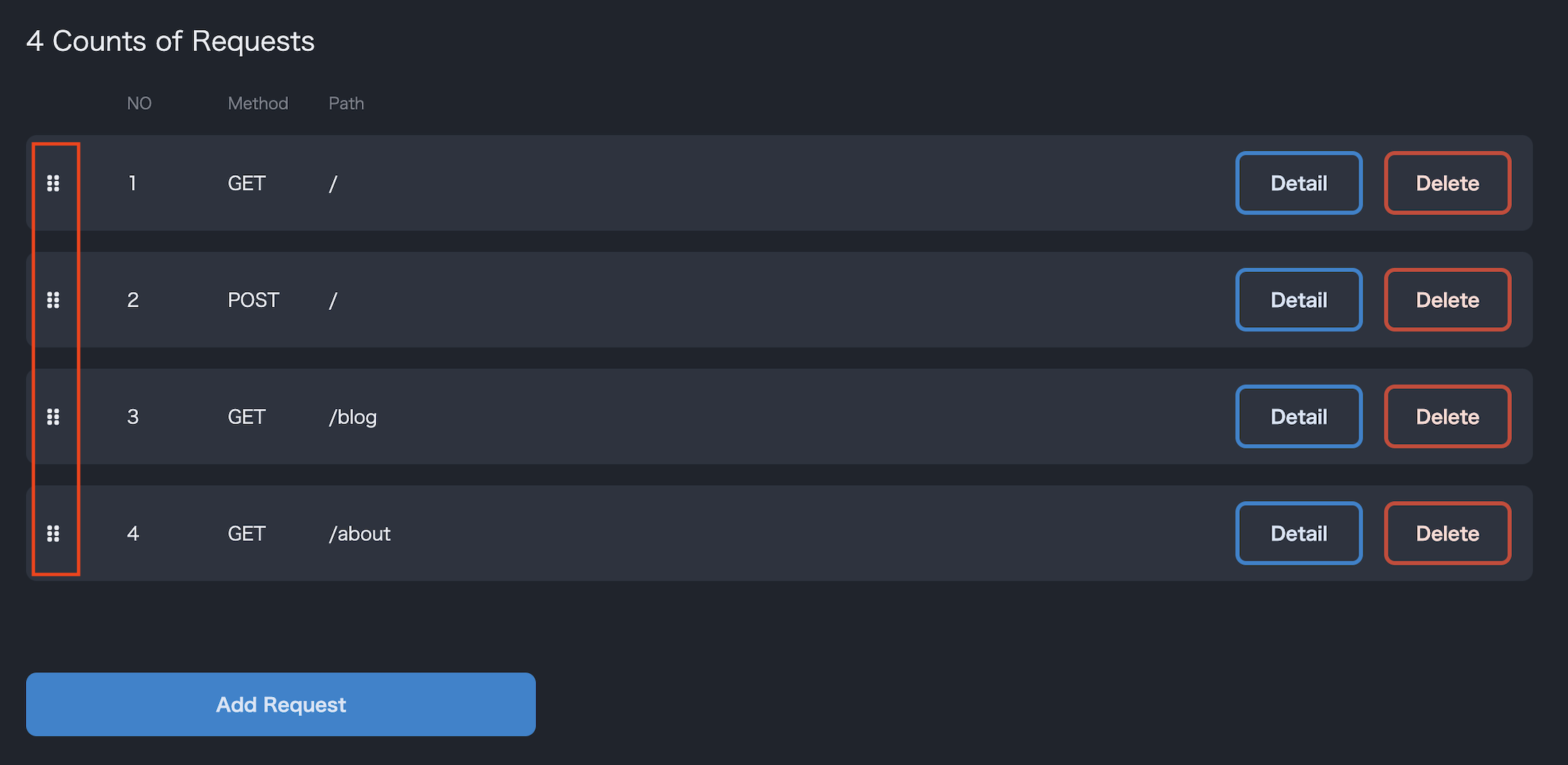
- You can rearrange requests in the desired order by clicking and dragging the mark on the left side of the request list. Requests will be sent to the target server in the order they appear in the list during the load test.