
2.2.1. Project Registration
Mx.Load manages various resources for load testing on a per-project basis.
Mx.Load testing settings and execution are performed from the detailed screen of the created project.
Click New Registration from the project list on the home page to create a project.
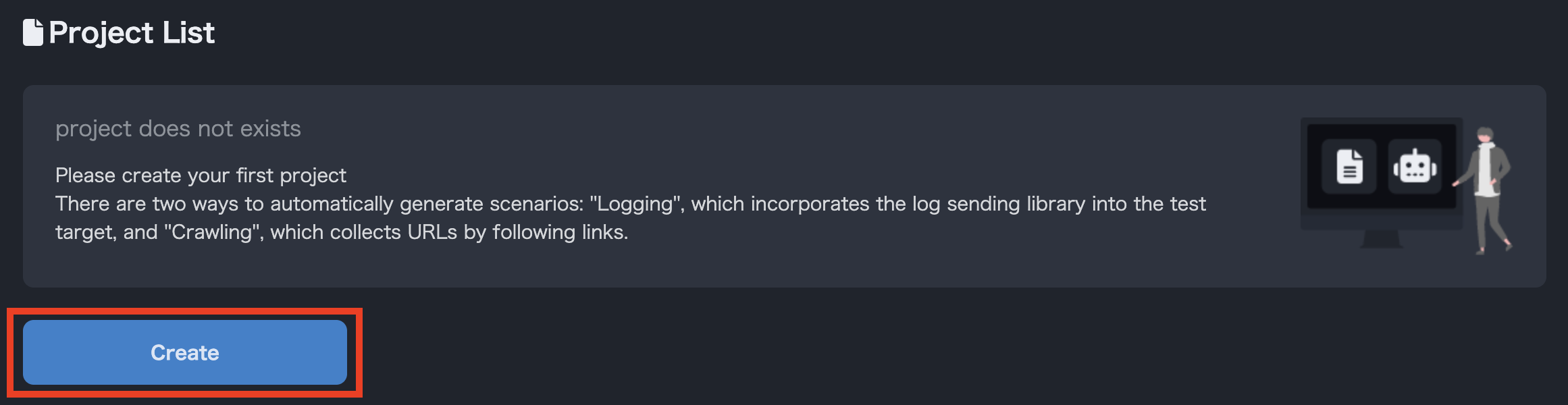
New Project Creation Button
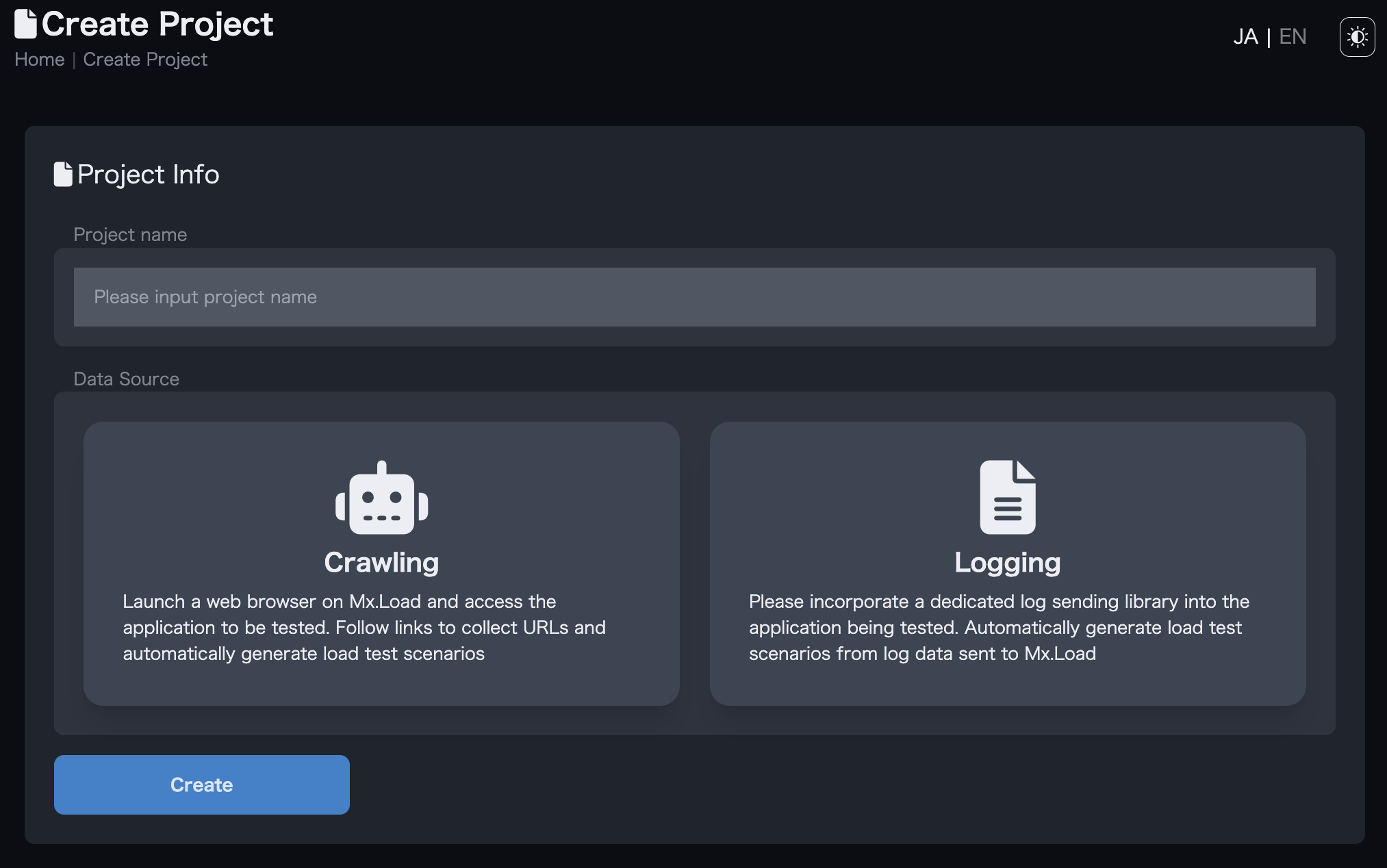
Project Creation Screen
Mx.Load requires the original data in order to auto-generate load test scenarios.
Mx.Load offers logging and crawling methods to generate this data, which can be selected according to the test object.
For logging, a specialized log transmission library is embedded in the application to be tested, and the access log is sent to Mx.Load.
A load test scenario is created based on the paths and parameters included in the access logs. This method is useful when you want to directly test the API exposed by the application under test. For details, please refer to "2.3.Obtaining log information".
Crawling starts a web browser on Mx.Load and accesses the application under test. A load test scenario is created based on the URLs collected by following the links.
The scenario created in this way will have the same access pattern as when accessing the website with a browser, and is especially suited for testing static sites. On the other hand, it does not support form data submission and is not suitable for complex testing.