
5.1. Scheduled Execution
In Mx.Load, you can schedule and execute load tests. You can set up the schedule from the project details page.
Schedules can be set for monthly, weekly, daily, hourly, or specified interval execution. For monthly, weekly, daily, and hourly schedules, you can specify the timing in minutes.
Executes the load test every month.
Specify the day, hour, and minute for the execution timing.
Executes the load test every week.
Specify the day of the week, hour, and minute for the execution timing.
Executes the load test every day.
Specify the hour and minute for the execution timing.
Executes the load test every hour.
Specify the minute for the execution timing.
Executes the load test at specified intervals.
For interval execution, you can specify intervals of 30 minutes, 60 minutes, 360 minutes, or 720 minutes.
Set the parameters for the load test and press the “Reserve Execution” button to schedule it.
For information about load test parameters, refer to 4.1. Load Test Execution.
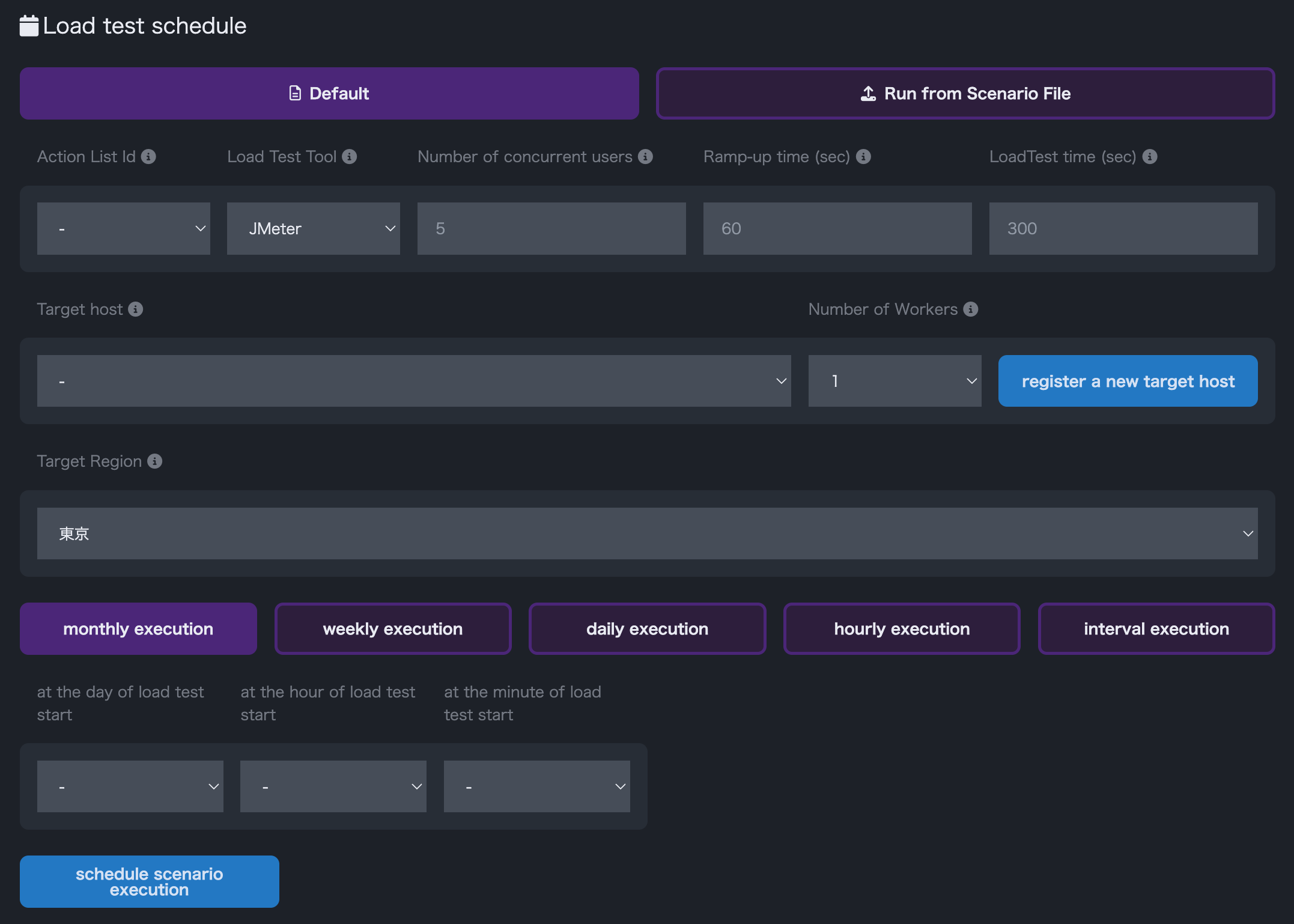
Load Test Schedule
If you have not registered the target host, please register the host from 2.5. Target Host Registration.